PartnerIndex
How it works

See who's actually winning your brand the click

When someone asks ChatGPT for "the best option" or uses Google Search, a handful of pages, creators, and videos decide what they buy — and which of your affiliate partners gets the credit. PartnerIndex runs your most important buyer questions through AI assistants, search engines, and YouTube, then reads every page and video it finds to show you where your brand appears, where it's missing, and which partners are really driving results.

Step 1Add your partners — upload a list or add domains one at a time.
Step 2Add the questions your buyers actually ask.
Step 3Run AI citation audits and search scrapes.
Step 4Act on the gaps, opportunities, and partner scores.
index.partnerdepth.com / sample data
HomeOverview
Partners112Active partners
AI Citations764Latest audit
Active queries88High-intent monitored
SERP SoV38%Latest search run
Brand presence by AI source
Perplexity
21 gaps
ChatGPT
17 gaps
Google AIO
14 gaps
Gemini
9 gaps
Needs attention
Link gaps24
Weak partners16
Uncited queries11
New videos8
01 · Getting started

How it works, start to finish

Setup takes minutes, not a migration. You bring two things — who your partners are and what your buyers search for. PartnerIndex collects the evidence and turns it into decisions.

1Add your partners

Upload your partner list or add domains and YouTube channels one at a time. No tracking code, no access to your affiliate network needed.

2Add your queries

The questions buyers actually ask: "best X for Y," comparisons, alternatives, "is X worth it." Tag the high-intent ones so they get priority.

3Run audits

Launch AI citation audits and Google Search or Bing Search scrapes whenever you want a fresh snapshot. A dry run shows the cost before anything spends a credit.

4Review the evidence

See exactly who AI assistants cite and who ranks — and whether each page mentions your brand, links to you, or carries an affiliate link.

5Act on it

Opportunities shows where to win placements. Partner Health tells you who to grow, defend, educate, or stop investing in.

02 · Initial configuration

Set up your account before your first audit

A few minutes in Brand Config and your two libraries is all it takes. This is what tells PartnerIndex who you are, whose links count, who you're up against, and what to measure — so your very first run comes back with meaningful results.

1Confirm your brand & domains

In Brand Config, set your brand name and the domains you own. This is how we know which citations and links point back to you.

2Add your tracking domains

List the affiliate tracking and redirect domains your links use, including shorteners. We follow every link to its true destination and read the tracking ID, so partner credit lands correctly.

3Add your competitors

In Brand Config, add the rivals you want to benchmark against. Share of voice and citation results compare you head-to-head, so you can see exactly where they win the answer.

4Add your partners

In Partner Database, upload your partner list or add domains and YouTube channels one at a time. No tracking code and no affiliate-network access needed.

5Add your queries

In Query Database, add the questions your buyers actually ask. Every audit and scrape runs against these, so start with your highest-intent ones.

That's the whole setup. With your brand, competitors, partners, and queries in place, open the AI Citation Index or a SERP page and launch your first run — a built-in dry run shows the exact credit cost before anything spends.
03 · Under the hood

What actually happens when you run an audit

You don't need to know how the soup is made — but it helps to know it isn't just a list of links. Every audit collects real answers, visits the actual pages, and reads them so the results reflect what buyers really see.

AI Citation Audit

From buyer question to partner evidence

AI assistants have become the first stop for buying research. This audit shows you whose content they trust when your buyers ask — and whether your brand is part of the answer.

Ask the AI assistants

Your queries are asked across ChatGPT, Gemini, and Perplexity — the same way a real shopper would ask them.

Capture every citation

Each answer is saved along with every source it cites — articles, review sites, forums, and videos.

Read each cited page

We visit every cited page and read the actual content — the title, headings, and body — not just the URL.

Find mentions & links

Every page is checked for your brand, links to your site, and affiliate links — even shortened or cloaked links get followed to their true destination.

Match & score

Every source is matched to your partners and competitors, then rolled into Citation Results, Opportunities, and partner scores.

What you get: for every buyer question — who the AI assistants recommend, whether your brand was mentioned, whether anyone linked to you, and which partners earned you the placement.
Search (SERP) Scrape

The same treatment for Google Search and Bing Search

Search still drives the volume. SERP scrapes capture who ranks for your queries and put that side by side with the AI picture.

Run the searches

Each query runs on Google Search or Bing Search in the market you choose — the results a real buyer in that country would see.

Capture the rankings

The top results are saved per query. Google Search runs also capture the AI Overview at no extra cost, so you get an extra AI snapshot free.

Identify every result

Each ranking site is recognized: your partner, a competitor, an editorial site, a forum, or a video.

Check the pages

Ranking pages get the same read as AI citations: brand mentions, links to your site, and affiliate evidence.

Measure share of voice

See what share of the results your brand and partners hold per query — and which high-value spots belong to someone else.

What you get: your search share of voice by query, engine, and market — plus a list of ranking pages that should be talking about you and aren't.
YouTube Enrichment

What creators say, not just what they title

Video reviews close deals, but the valuable detail is in what the creator actually says. When videos and channels show up in your results, PartnerIndex digs into them automatically.

Spot the videos

Videos surface in AI answers and search results — and from the channels you already track as partners.

Pull the details

We collect the video's title, description, and channel so every video is tied to the creator behind it.

Get the transcript

We pull what the creator actually says in the video — not just the title and thumbnail.

Scan speech & description

The transcript and description are scanned for your brand and competitors, and description links are checked for affiliate evidence.

Connect to partners

Channels are linked to your partners, so a creator's videos count toward their score — or flag them as a recruit worth signing.

What you get: every video influencing your buyers, whether the creator mentioned you out loud, whether their description links pay you — and which channels you should be recruiting.
04 · Product tour

A quick tour of the product

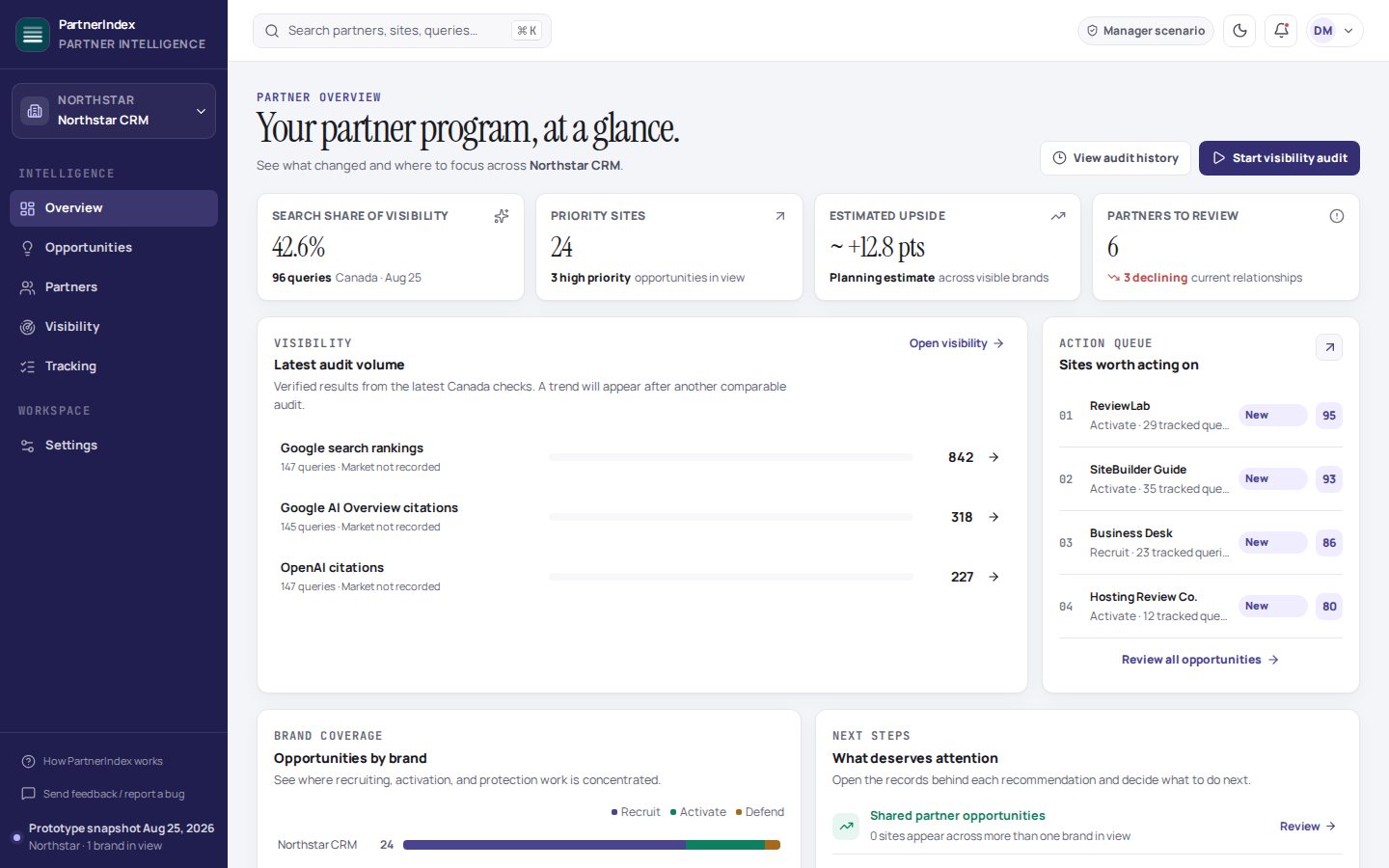
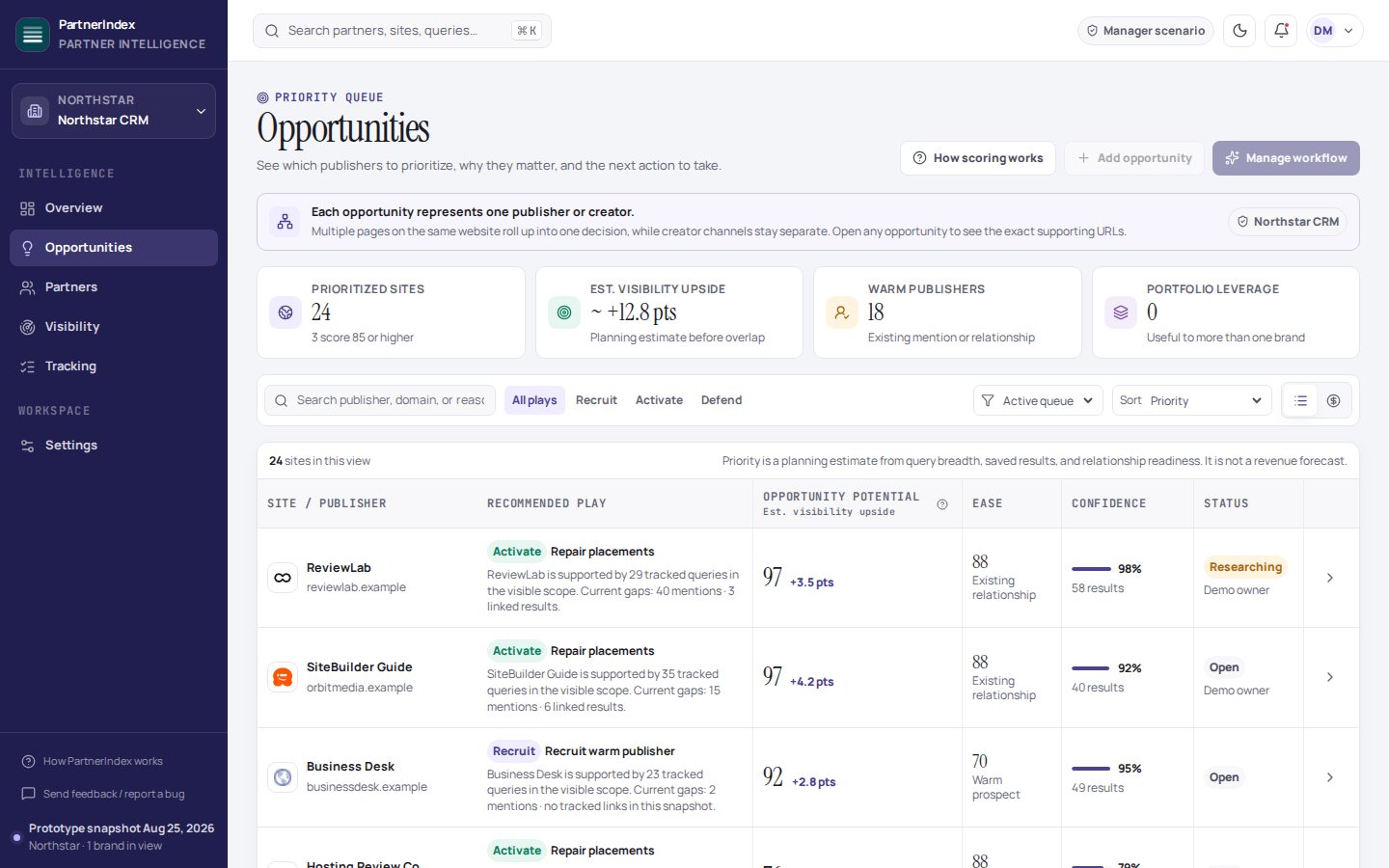
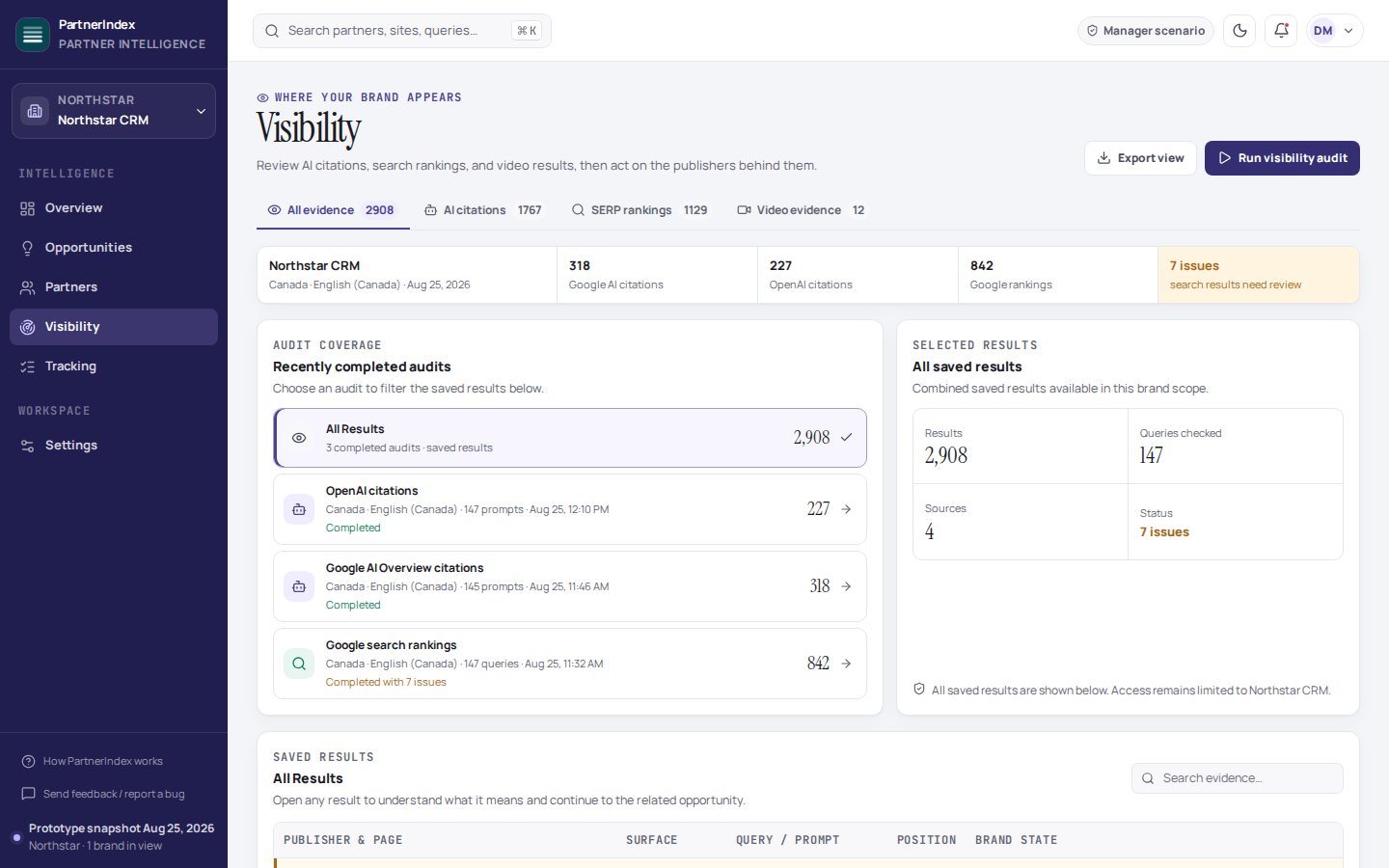
These previews mirror the real screens. All names, numbers, and queries are fictional sample data — your account starts empty and fills with your own results.

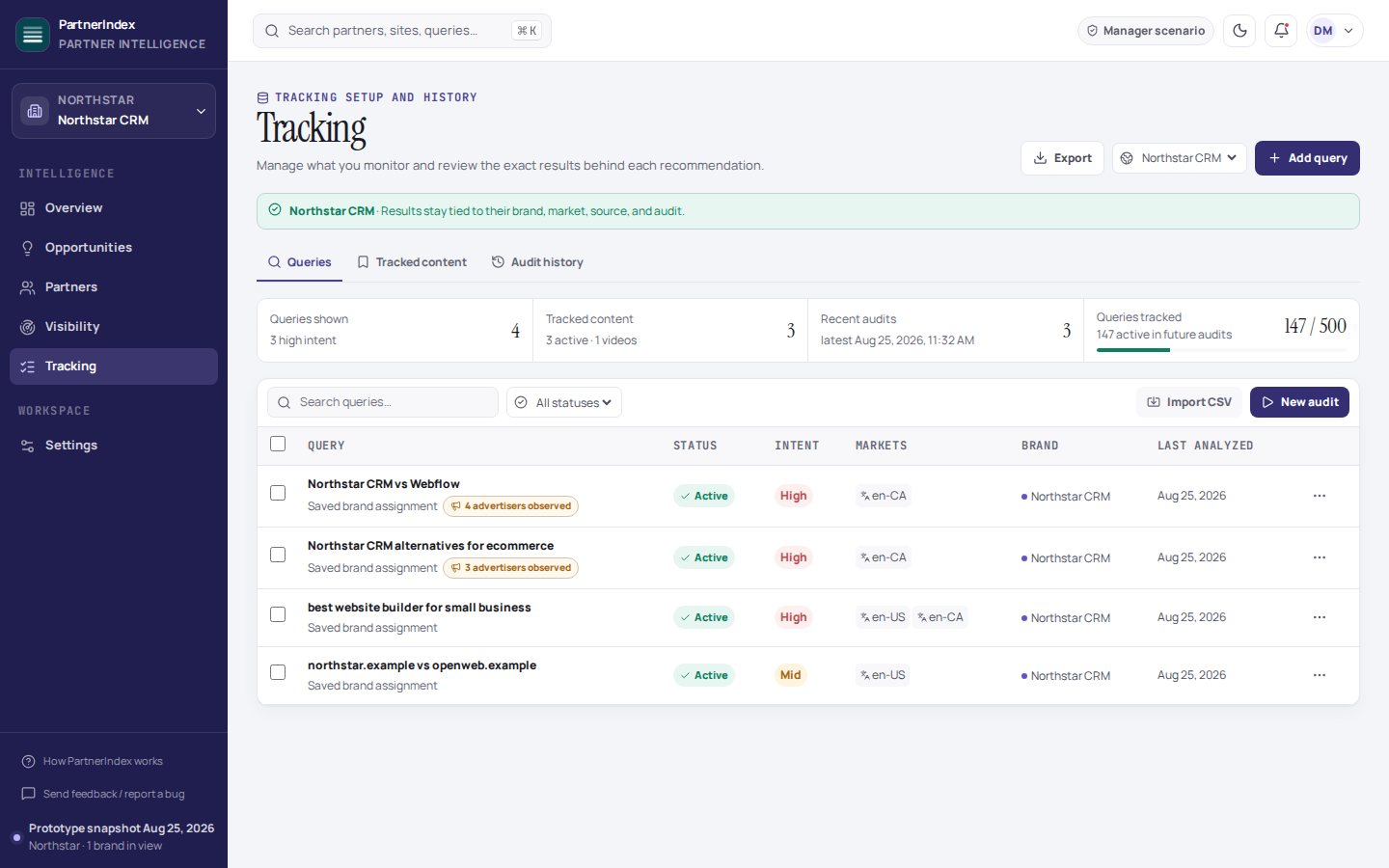
DataQuery Database
Run AI Citation Audit
Run SERP Scrape
QueryTierCategoryLast RunStatus
best crm for small businessHighcrmJun 24Active
acme crm reviewHighbrandJun 24Active
acme vs northwindHighcompareJun 24Active
northwind alternativesMidcompareJun 17Active
crm with best email toolsMidfeatureJun 17Active
Sample data

Your queries are the fuel

Every audit starts from the questions your buyers ask. Tag queries as high or mid intent so the ones that drive revenue get the most attention, and launch audits right from this screen.

Sample data

Know the cost before you run

Pick your AI sources and queries, then dry-run first: you see exactly how many credits the audit will use and what's left in your plan before you confirm. No surprise spend.

Sample data

Search runs in the market that matters

Scrape Google Search or Bing Search in your buyers' market. Google Search runs come with a bonus: whenever an AI Overview appears, it's captured and analyzed as a free extra AI source.

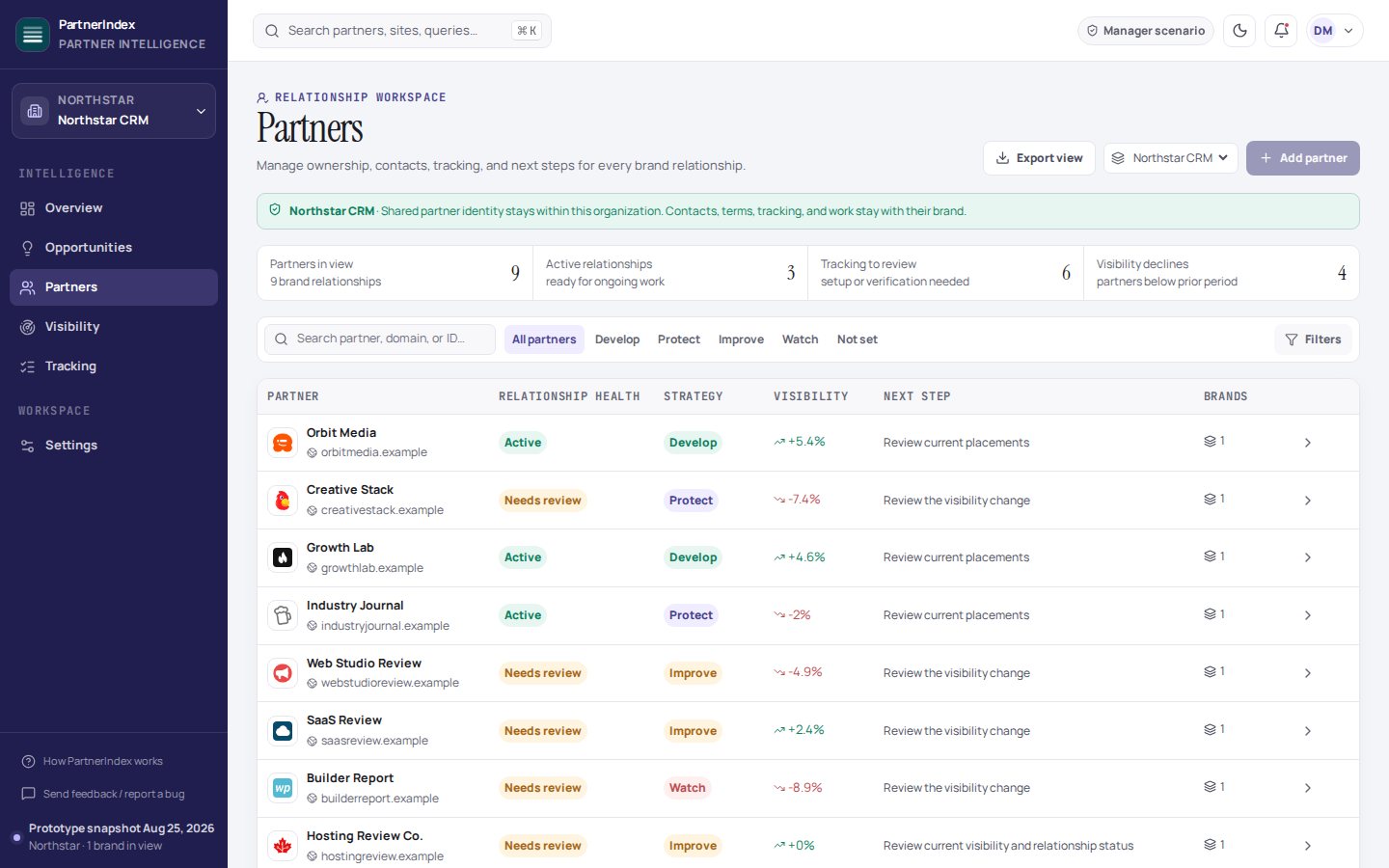
Partner WorkflowsPartner Health
Grow12
Defend8
Educate17
Weak9
PartnerScoreAISoVYTAction
The CRM Review Desk87HighStrongYesGrow
Workflow With Wade71HighLowYesDefend
Small Biz Toolbox52MedWeakNoEducate
Deal Roundup Daily24LowLowNoWeak
Sample data

Partner Health turns evidence into decisions

Every partner gets a score built from real evidence: AI citations, search share, site authority, and YouTube presence. The label tells you the move — grow, defend, educate, or stop investing.

05 · The decoder

What the labels mean

The results pages pack a lot into small buttons and pills. Here's the plain-English translation — and remember, anything detected automatically can be corrected by you with one click.

Evidence on every result

BrandDoes this page or video actually mention your brand? Detected automatically when we read the content; click to correct it if we got one wrong.
LinkDoes it link to your site — and is that link an affiliate link? This is what separates a nice mention from a placement that sends you traffic and tracks a sale.
Affiliate IDThe tracking ID found inside an affiliate link. It's how PartnerIndex knows which partner gets credit for a placement, even behind link shorteners.
+ AddFound a site or channel you don't track yet? Add it as a partner or competitor on the spot — great for turning unknown-but-cited sites into recruits.
AnalyzerDeep-dive any single page or video: headings, brand mentions, every outbound link, and all affiliate evidence in one view.

Partner Health actions

GrowGreat coverage and a real audience. These partners are already winning for you — give them more resources, deals, and content to work with.
DefendGood and still building. Keep them engaged so a competitor's program doesn't win them away.
EducateCoachable. They have reach but aren't using it well for you yet — missing links, no mentions, wrong pages. A little guidance goes a long way.
WeakNo meaningful footprint yet. Deprioritize, or decide deliberately whether they're worth developing.
06 · Plans

Pricing

Every plan covers one brand with its own monthly credits. Start free with no card, upgrade when you want more coverage, and add more brands to any paid plan. Annual billing gives you two months free.

Free
$0 /mo
No card required
Tracked queries25
SERP credits /mo100
AI citation credits /mo150
Additional brands
Pro
$149 /mo
$1,490/yr — 2 months free
Tracked queries200
SERP credits /mo1,000
AI citation credits /mo1,400
Additional brands$99/mo
Scale
$649 /mo
$6,490/yr — 2 months free
Tracked queries1,000
SERP credits /mo5,000
AI citation credits /mo7,000
Additional brands$299/mo
How credits work: a SERP credit is one query scraped in a Google Search or Bing Search run — and Google AIO citation audits are included free with every Google Search scrape. An AI citation credit is one question asked of one AI model, so auditing 10 queries across all 3 models uses 30 credits. Tracked queries is how many saved queries your brand can keep in its library. Credits refresh every month on your billing anniversary, on annual plans too. Additional brands each get their own full set of credits — the same monthly amounts as your plan — and bill at the flat monthly rate shown. Prices in USD.
07 · Questions

Frequently asked questions

The short answers to what most people ask before their first audit.

What is PartnerIndex, in one paragraph?
PartnerIndex is visibility intelligence for affiliate and partner marketing. It runs your buyers' real questions through AI assistants (ChatGPT, Gemini, Perplexity, Google AIOs), search engines (Google Search and Bing Search), and YouTube — then reads every page and video it finds to tell you where your brand shows up, who's linking to you, which partners are earning their keep, and where your biggest gaps are.
What do I need to get started?
Two things: your partner list (upload a file or add domains and YouTube channels one at a time) and a set of queries — the searches and questions your buyers actually use. That's it. There's no tracking code to install, no site access to grant, and you don't need to connect your affiliate network.
Which AI assistants and search engines are covered?
AI citation audits run across ChatGPT, Gemini, and Perplexity. Google AIOs are captured automatically whenever you run a Google search scrape — no extra cost. Search scrapes cover Google Search and Bing Search, in your choice of market (US, UK, Canada, Australia, and more).
What exactly is a "citation"?
When an AI assistant answers a question, it names the sources it pulled from — articles, review sites, forums, videos. Each of those sources is a citation. Citations matter because they're the short list of content AI assistants trust for your topic: if your partners are cited, you're in the answer; if strangers are cited, that's your recruiting list.
How do you know a page really mentions or links to my brand?
Because we visit it and read it. Every cited or ranking page is checked for your brand in the title, headings, and body, plus every outbound link — including affiliate links hidden behind shorteners and redirect services, which we follow to their true destination and read the tracking ID from. And if the automated read ever gets one wrong, you can correct it with one click; your correction sticks.
What does the YouTube side actually do?
When videos show up in AI answers or search results, PartnerIndex pulls the video's details and transcript, then scans what the creator says — not just the title — for your brand and your competitors. Description links are checked for affiliate evidence, and channels are connected to your partners so video work counts toward their score. You'll know which creators talk about you, which link to you, and which do neither but should.
What's the difference between a partner and a recruit?
A partner is someone with real affiliate evidence for your brand — we've seen their links pay you. A recruit is a site or creator that's being cited or ranking for your queries but has no affiliate relationship with you yet. Recruits are often the fastest wins on the board: they already have the visibility, they're just not sending it your way.
What does it cost?
There's a free plan — 25 tracked queries with monthly credits, no card required — so you can run real audits before paying anything. Paid plans are $149, $299, and $649 per month per brand, scaling up your query library and monthly credits, with two months free on annual billing. The full breakdown is in the pricing table above.
How do I keep audits from running up costs?
Every AI citation audit has a built-in dry run: before anything launches, you see exactly how many credits the run will use and how much of your plan is left. Search scrapes show the estimate in the run summary the same way. Your plan has clear quotas, so there's no meter quietly spinning in the background — audits only run when you launch them.
How often should I run audits?
Most teams settle into a weekly or bi-weekly rhythm for their high-intent queries, with bigger sweeps monthly. AI answers shift constantly — models update, new content gets cited — so each run is a snapshot, and the history builds into a trend you can act on. Run one after a big partner push to see if it moved the needle.
Why is Partner Health sparse right after I sign up?
Partner Health is built from evidence, and evidence comes from audits. Right after you add partners, PartnerIndex knows who they are but not yet how they perform. Run an AI citation audit and a search scrape against your queries and the scores, labels, and recommendations fill in from real results — usually after the very first run.
Are the screenshots on this page real accounts?
No — every name, number, and query on this page is fictional sample data, shown only to illustrate the screens. Your account starts empty and fills exclusively with your own partners, queries, and audit results.